Shelves and case extenders
A Shelf Insert replaces the drawer in a bay and the bay becomes open storage. Case Extenders raise the opening 1H at a time - same grid, same QuickLocks, drawers above and below as you like.
Sizes: W is width (1W = 88 mm) and H is height (1H = 56 mm, 0.5H is half of that). The collection number - 115, 185, 240 - is the case depth in mm.
What you'll need
Quantities depend on your layout - the Planner works them out for your build, and every official kit lists them exactly.
- Caseschoose your collectionThe bay the shelf lives in
- Shelf Insertschoose your collectionOne deck per bay, same width as the case
- Shelf LipsoptionalKeeps contents from sliding out
- Case Extenderschoose your collectionoptionalRaise the opening 1H at a time
- QuickLockOne Left + Right pair per case AND per extender
Deck the bay
Take the drawer out and slide the Shelf Insert into the case from the front, flat face up, until it snaps in. Its underside is a row of built-in drawer stoppers, and they snap into the same floor slots a stopper uses. Pick the insert that matches the width of the case. A shelf takes a bay one, two or three units tall - never a half-unit.
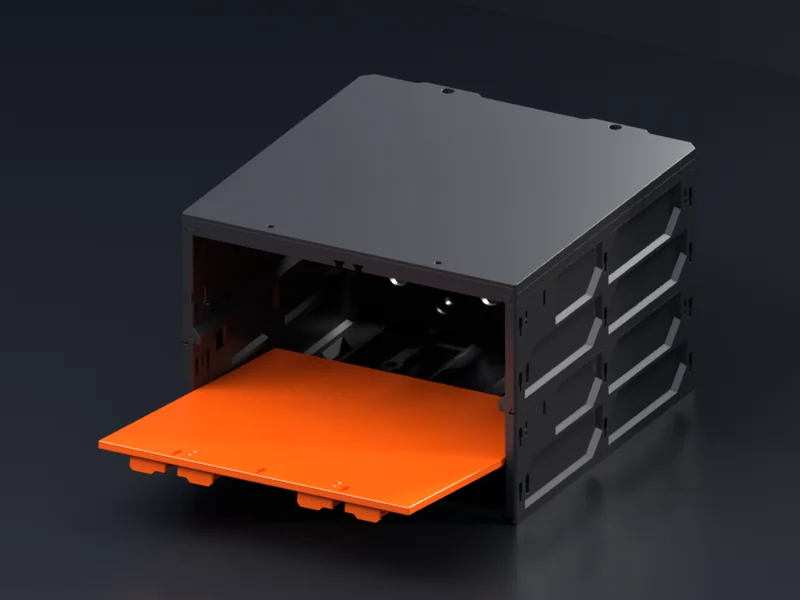 The Shelf Insert going in from the front
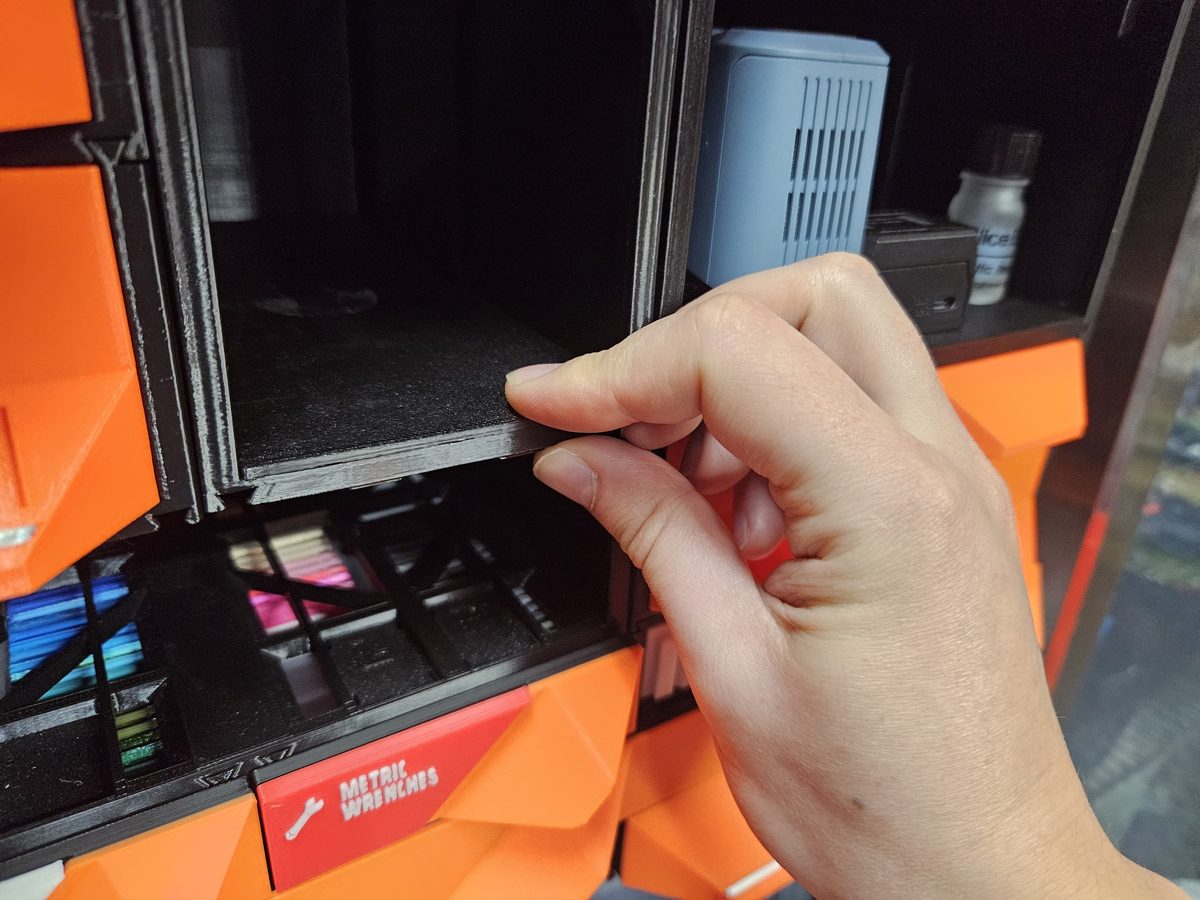 Photo · seating a Shelf Insert in an open case
Clip in the lip
The Shelf Lip is optional: drop it into the wide back of the slot pair at the front of the insert, then slide it forward until it locks. It keeps things from rolling out, and makes the shelf a good deal stiffer. It ships inside every collection's Shelf Insert download, sized by width like a faceplate.
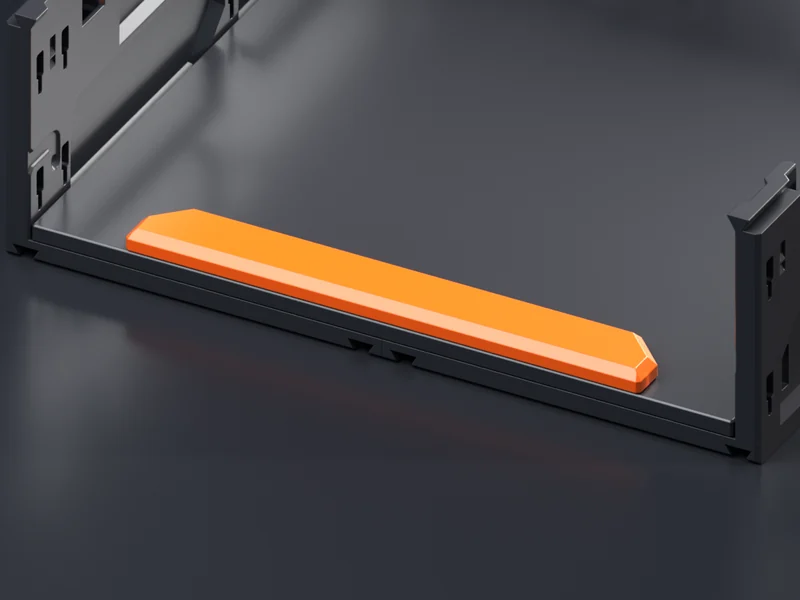 The Shelf Lip seated at the front of the insert
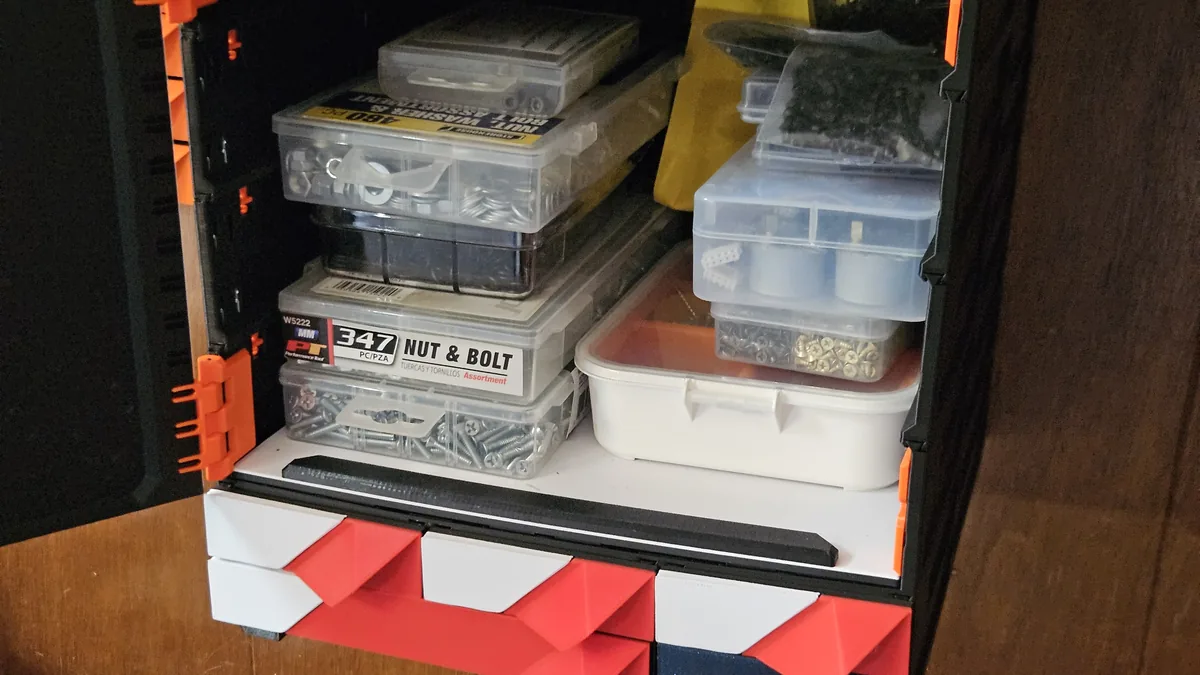 Photo · the black rail at the front edge is the lip
Raise the opening with Case Extenders
A Case Extender is a case with no bottom, and it goes on exactly like one: drop in its own Left + Right QuickLock pair, open side facing front, and slide it on from the front under the case until it clicks. Each extender adds 1H to the opening. Stack as many as you need, one pair each.
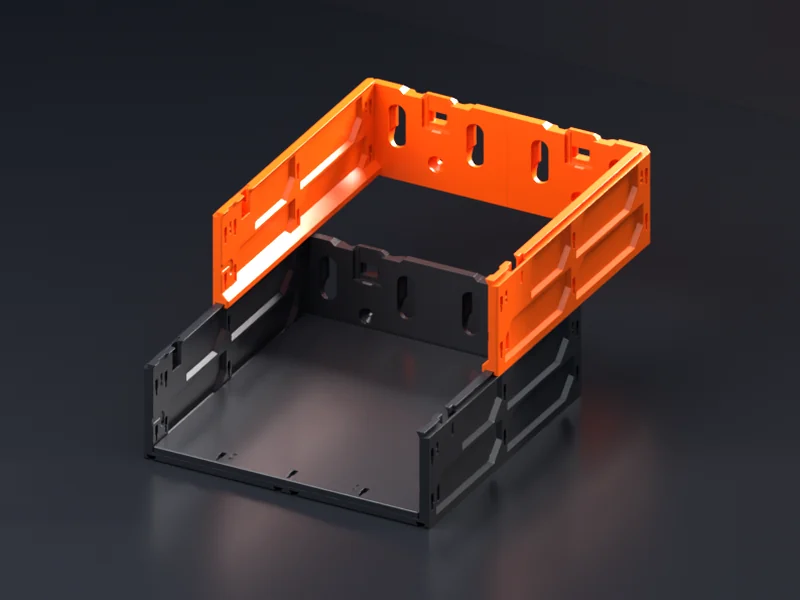 A Case Extender part-way on
Mix shelves with drawers
Shelf bays and drawer bays live side by side in one build, on any mount. Lay the combination out in the Planner - pick a bay's fill as shelf, set its height, and the parts list follows.
Building the case structure itself? The Connect cases and drawers guide covers the QuickLocks; your mount's install guide covers the rest.
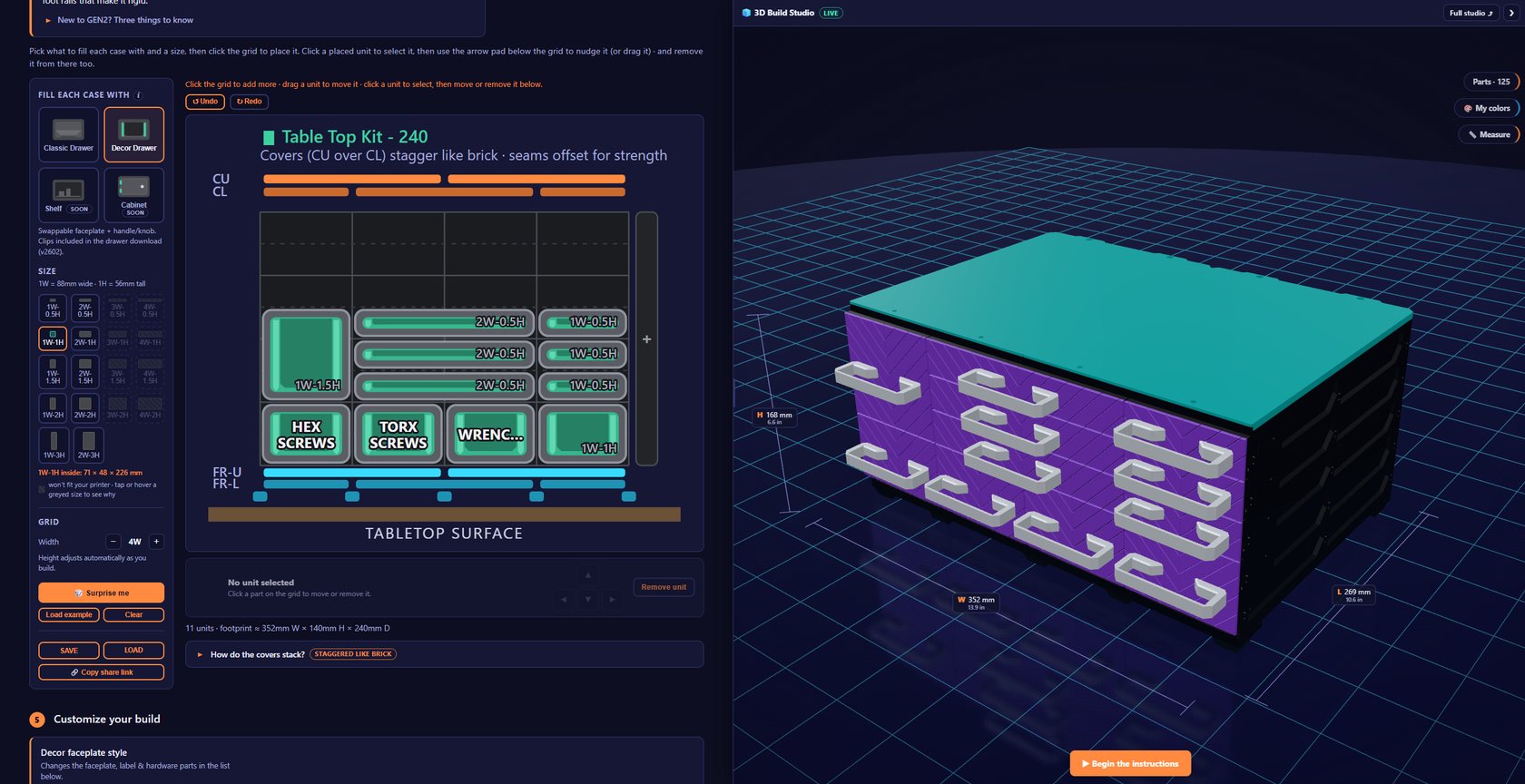 The Planner - a shelf bay among drawer bays